The Best Photo for Your Shaadi.com Profile (2026 Guide)
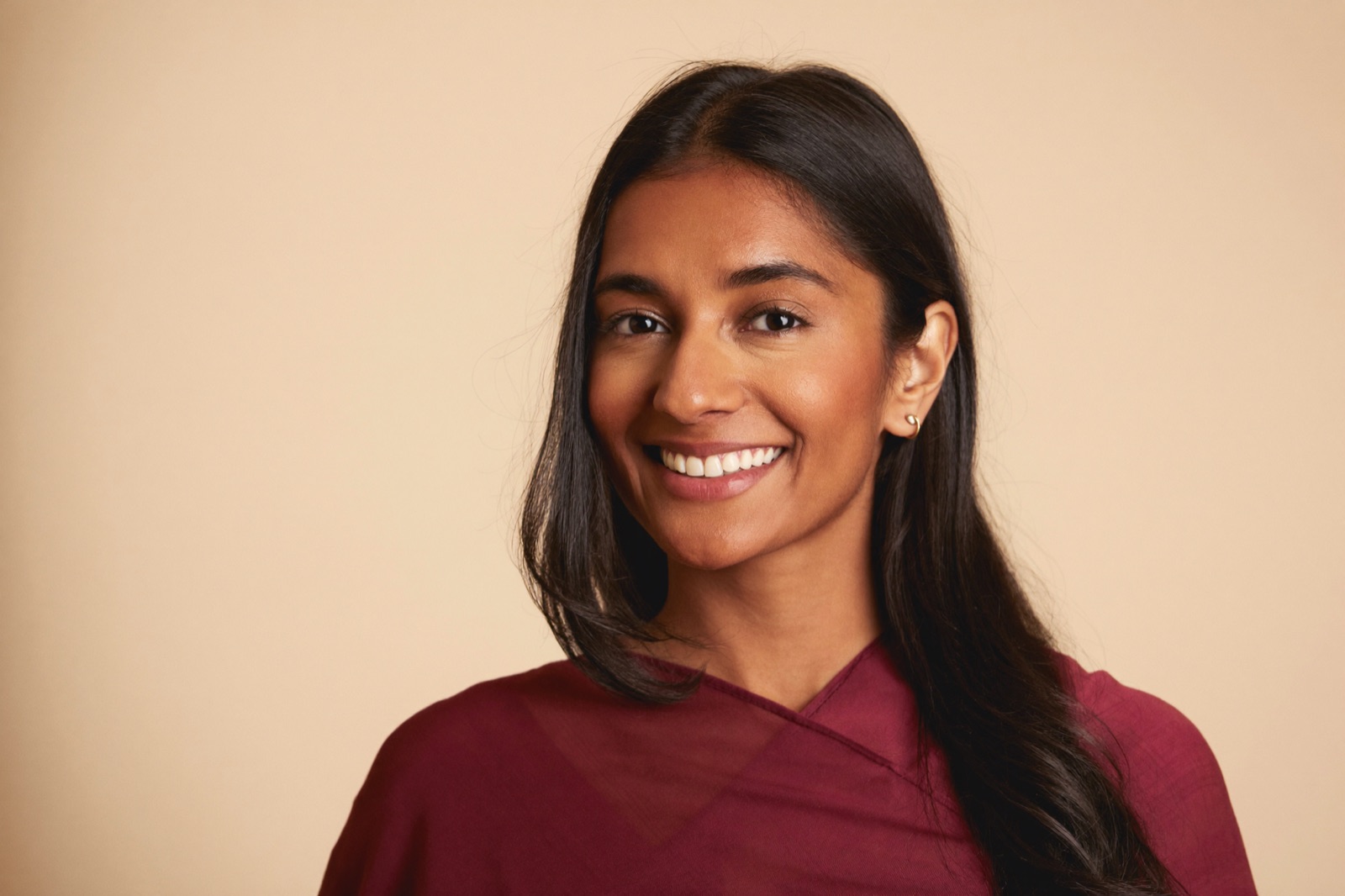
The best photo for a Shaadi.com profile is a recent, clear, solo head-and-shoulders portrait: plain background, formal solid-colour clothing, good lighting, and a warm natural smile with your eyes on the camera. That's it. Everything else on this page is just detail on why each part matters and how to actually get that photo.
Here's why it's worth getting right. According to Shaadi.com's own numbers, adding a profile photo gets your profile viewed up to 7 times more often and brings up to 10 times as many responses as a profile with no photo. The photo isn't a nice-to-have. On a matrimony platform it's the single biggest lever you have on whether anyone engages with you at all.
What Shaadi.com Actually Requires
Before the "what looks good" advice, the hard rules — the things the platform itself asks for:
- Up to 20 photos. You can upload as many as 20. Only one, your display picture, shows in search results and on your card, so that one carries almost all the weight.
- Solo shot for the display picture. Shaadi's own guidance is explicit: use a solo photo as your display picture and keep group photographs in the gallery. A cropped-from-a-group main photo is the most common mistake.
- File specs. Each photo must be under 15 MB and in JPG, JPEG, PNG, or WEBP format.
- Moderation. Uploaded images are reviewed for clarity and appropriateness before they go live. Clean, clear photos pass without trouble; blurry, inappropriate, or watermarked ones get held up.
- Privacy option. You can mark photos as protected, so only members you approve can view them. You still get the visibility boost from having a photo, without it being public to everyone.
What Actually Gets Responses
Meeting the upload rules gets your photo live. Following these gets it working. This is the same standard that applies across matrimony sites — we cover it in full in the 7 rules of a great matrimony biodata photo — but here's the short version tuned for your Shaadi.com display picture:
- Plain, uncluttered background. White, cream, or soft grey. No living room, no parked scooter, no third person's shoulder in frame.
- Formal, solid-colour clothing. Men: a formal shirt in white, light blue, or pale yellow, or a kurta/sherwani for a traditional family. Women: a saree, salwar kameez, or churidar in solid colours. Skip loud prints and heavy embellishment that pull attention off your face.
- A warm, natural smile. Approachable beats stiff. This is not a passport photo.
- Eyes on the camera. Straight-on or a very slight angle, looking at the lens. It creates a connection; looking away breaks it.
- Head-and-shoulders framing, portrait orientation. Your face should fill a comfortable amount of the frame, not sit tiny in the corner of a wide shot.
- Recent and honest. Last three to six months, light editing only. Heavy beauty filters that reshape your face are easy to spot and work against you.
- Sharp and well-lit. A grainy, dim, or out-of-focus photo reads as careless even when everything else is right.
Read that list back and you'll notice it describes a studio portrait. Which is exactly where most people get stuck.
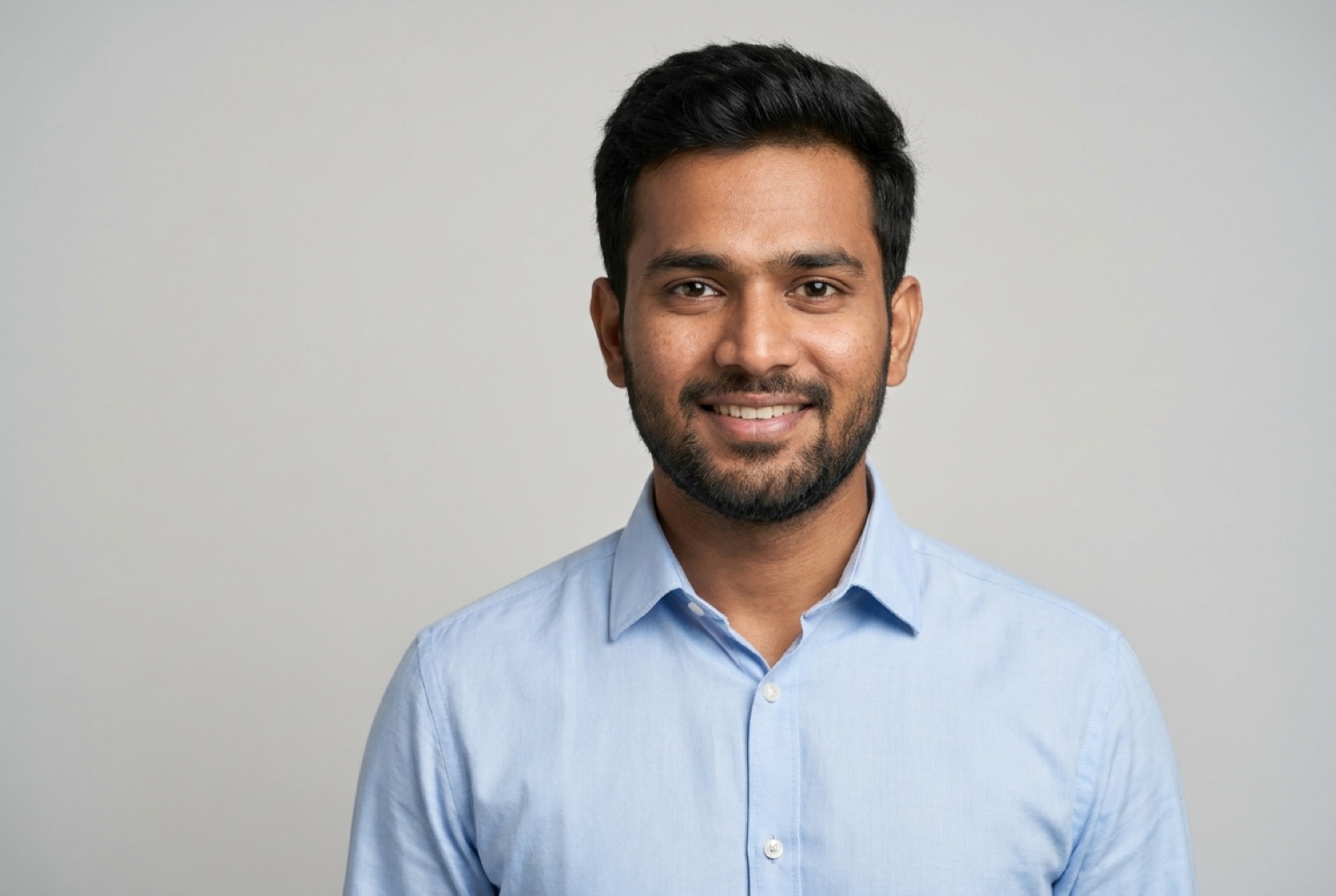
Want a photo like this without booking a studio? Upload one selfie and preview yours free.
Try Free — No SignupThe Real Problem: Getting the Photo
Your options have always been three, and each has a catch:
Book a studio. Genuine and high-quality, but it costs money (₹500 to ₹2,000+), needs an appointment, and means dressing up and travelling on a specific day. For a lot of people, that friction is why the profile photo keeps getting postponed for weeks.
Use a phone selfie. Free and instant, but a mirror selfie or a casual snap against a cluttered wall fails half the rules above — and Shaadi's moderation and your matches both notice.
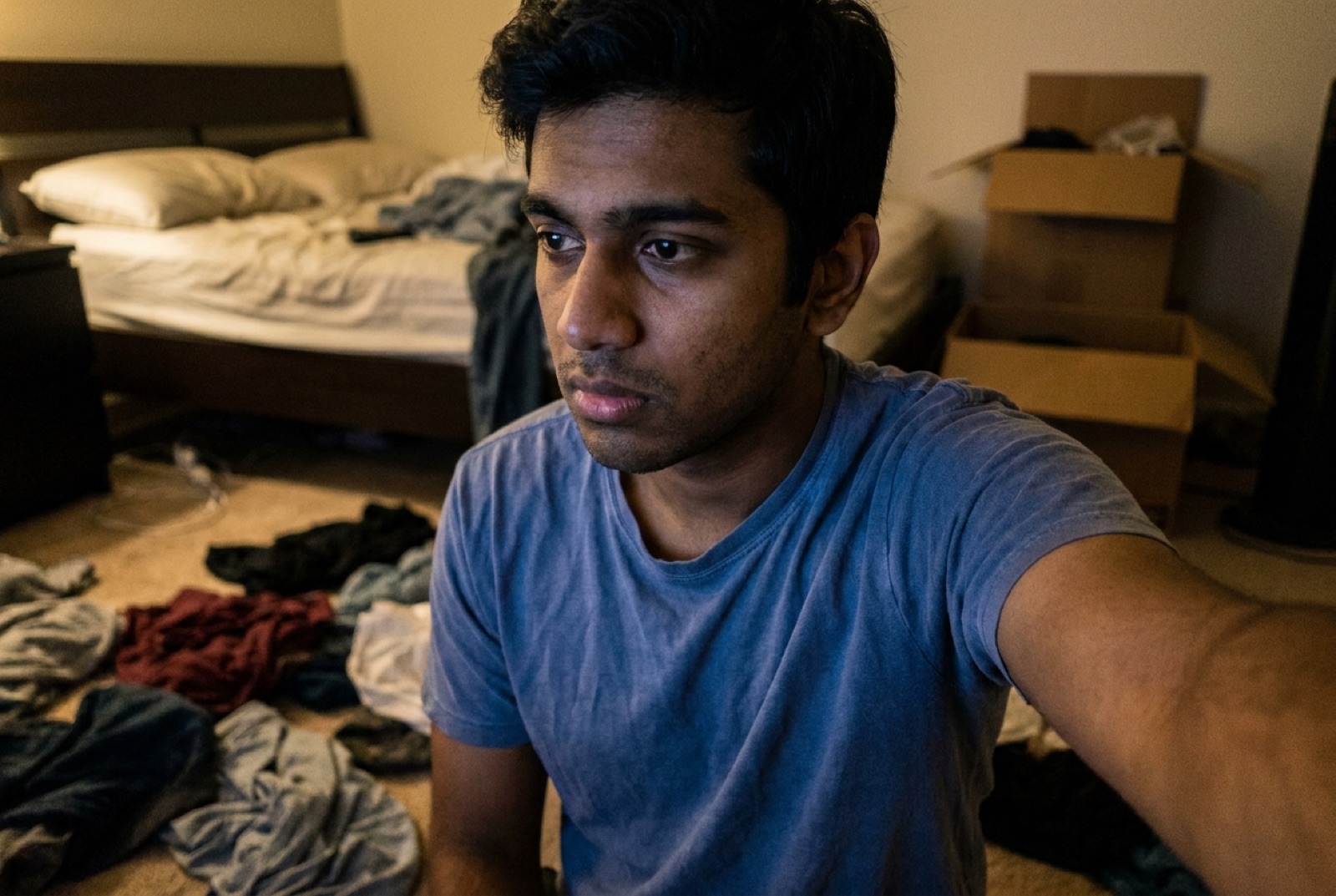
Ask a friend or relative. Sometimes it works. Often it's a group shot cropped down or a candid where you weren't ready.
So most people settle for whatever half-decent photo they already have. That's why so many profiles have weak display pictures — not because people photograph badly, but because the good option was too much effort.
Turn a Selfie Into a Shaadi.com-Ready Photo
This is the part that changed recently. AI can now take one ordinary selfie and produce a photo that follows every rule above — solo, plain background, formal attire, warm expression, head-and-shoulders, sharp — in about 30 seconds. It keeps your actual face and identity; it just handles the background, clothing, and framing that a studio would.
You can check the quality before paying anything. ProfilePics has a free preview: upload one selfie, pick a style, and see the result in your browser — no account, no email, no card. The preview is watermarked so you can judge it first, and only the full-resolution version you'd actually upload is paid. If it doesn't look like you, you've lost 30 seconds and nothing else.
One quiet advantage over a single studio sitting: you can generate a formal-shirt version and an ethnic-wear version from the same selfie and use whichever fits — handy if your family prefers a kurta while you'd lean corporate, or if you're posting on more than one site.
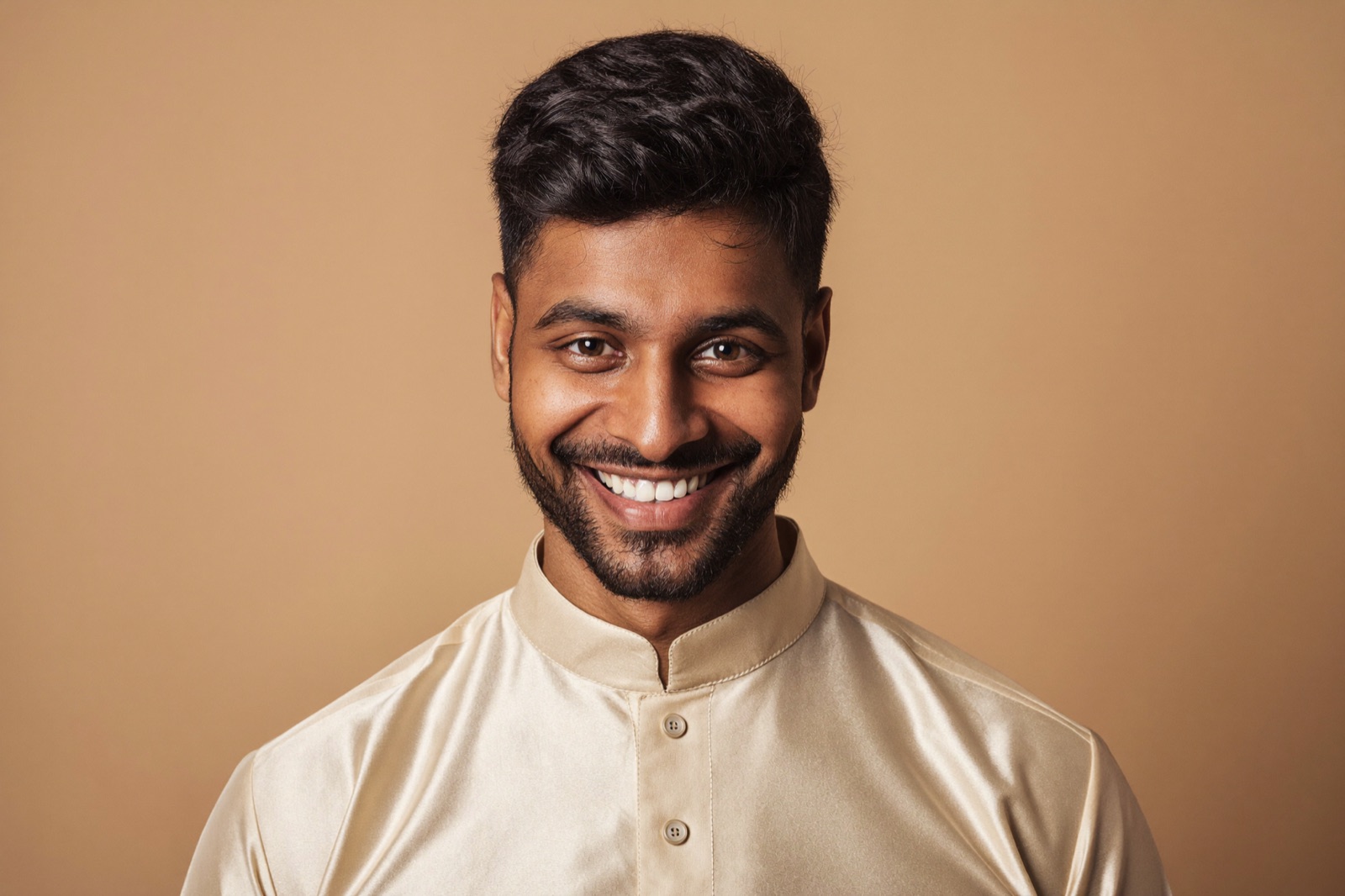
See the quality before you pay — a watermarked preview takes about 30 seconds, no signup, no card.
Preview Free — 30 SecondsStudio vs Selfie vs AI, for a Shaadi.com Display Picture
| What matters | Studio photo | Phone selfie | AI from selfie | |---|---|---|---| | Cost | ₹500–₹2,000+ | Free | Free preview, low paid tier | | Time | Appointment + travel | Instant | ~30 seconds | | Solo, plain background | Yes | Usually no | Yes | | Formal attire | If you dress up | Whatever you wore | Applied automatically | | Passes moderation cleanly | Yes | Often not | Yes | | Looks like you | Yes | Yes | Yes — keeps your real face | | Effort | High | Low | Low |
The studio still wins on pure authenticity. But for most people the honest comparison isn't studio vs AI — it's "the mediocre photo I already have" vs "the proper photo I keep meaning to get." The AI option beats both by removing the thing that was actually stopping you: effort.
Bottom Line
A strong Shaadi.com profile photo is a recent, clear, solo head-and-shoulders portrait — plain background, formal solid-colour clothing, warm smile, eyes on the camera, sharp and well-lit — set as your display picture, with the rest of your 20 slots for gallery shots. Get that one photo right and you're playing with Shaadi's own 7x-views, 10x-responses advantage instead of against it.
If that photo has been on your to-do list for weeks, try the free preview — upload one selfie and see your display picture in 30 seconds. No signup, no cost to check.
FAQ
What is the best profile photo for Shaadi.com?
A recent, clear, solo head-and-shoulders portrait with good lighting, a plain background, formal solid-colour clothing, and a warm natural smile looking at the camera. Shaadi.com's own guidance is to use a solo shot for your display picture and keep group photos in the gallery instead.
How many photos can I add on Shaadi.com?
You can upload up to 20 photos. Each must be under 15 MB and in JPG, JPEG, PNG, or WEBP format. Only your display picture shows in search results, so make that one your strongest solo portrait and use the rest for gallery shots.
Does adding a photo to Shaadi.com really matter?
Yes, significantly. According to Shaadi.com, adding a profile photo can get your profile viewed up to 7 times more often and can bring up to 10 times as many responses compared with a profile that has no photo.
Why do Shaadi.com photos get rejected or not approved?
Uploaded photos are moderated for clarity and appropriateness. Common reasons for a weak or rejected display picture are group photos, blurry or low-light shots, sunglasses hiding the face, watermarks or contact details in the image, and photos that clearly aren't you. A clean solo portrait passes easily.
Can I use a selfie for my Shaadi.com profile photo?
A casual selfie usually fails on background, attire, and framing. But you can now turn a single selfie into a display-picture-ready portrait using AI, which keeps your real face and places you in formal clothing against a clean background in about 30 seconds.
Can I keep my Shaadi.com photos private?
Yes. Shaadi.com lets you mark photos as protected, so only members you approve can see them. You still get the response boost of having a photo while controlling who actually views it.